These pictures come out of the app's own tests: the app draws them itself, screen by screen. It speaks French in them; it also speaks English, German, Spanish and Italian.
Getting started
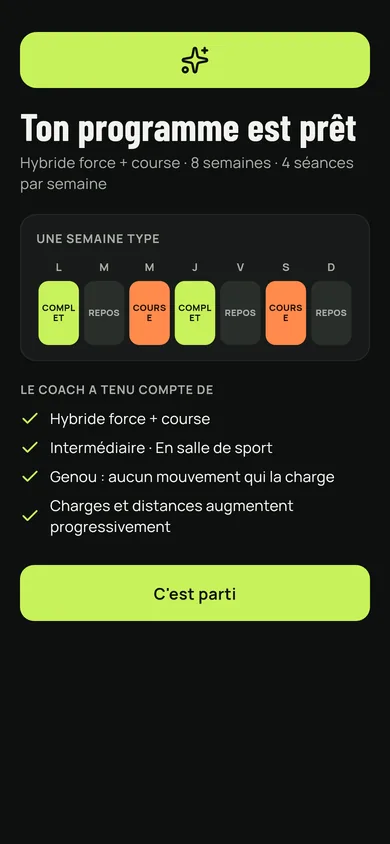
The screen announcing the programme is ready, with the typical week and what the coach took into account.
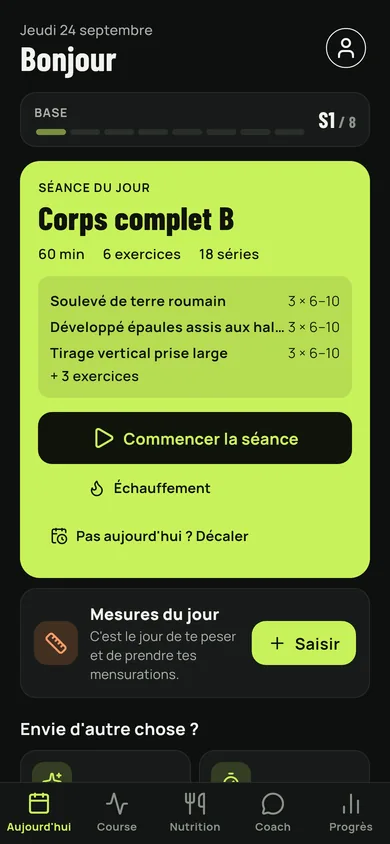
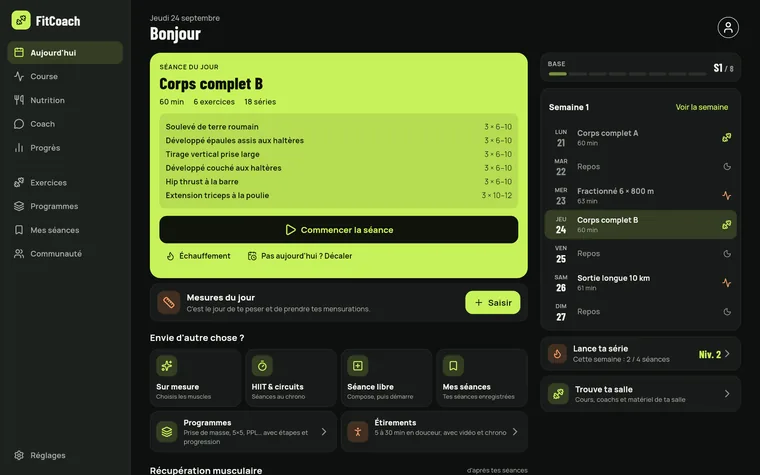
The day's screen: the planned session, muscle recovery and the measurements to take.
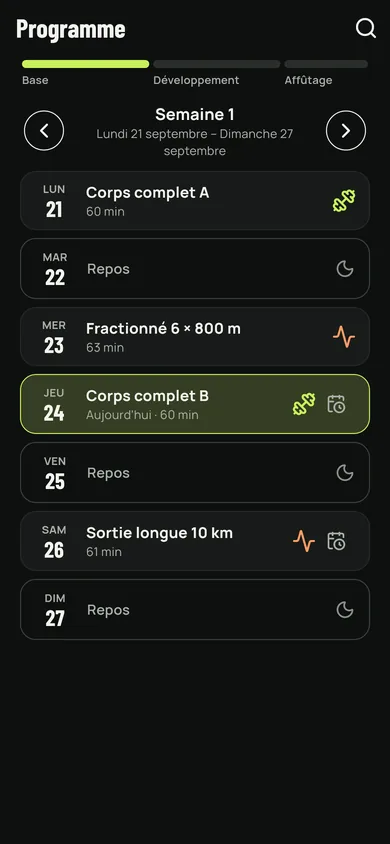
The programme week, day by day, with sessions and rest days.
Training
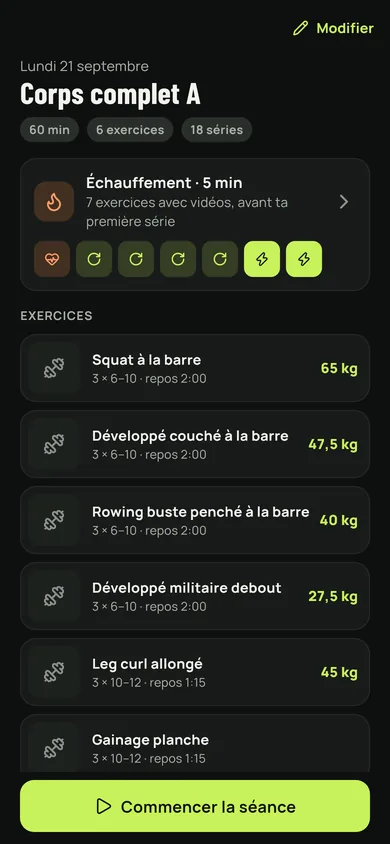
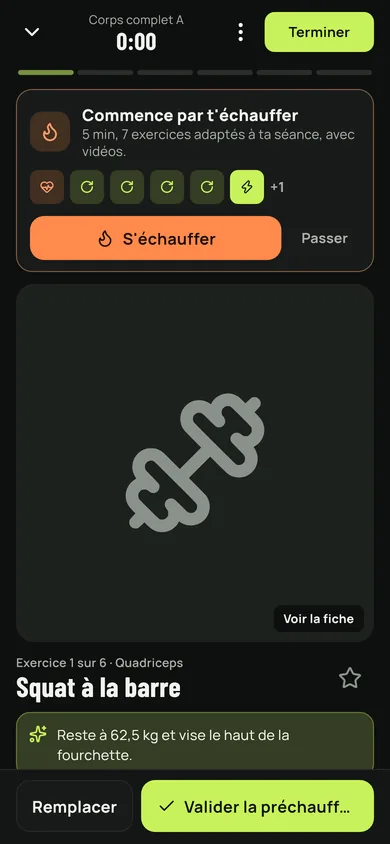
A session in detail: warm-up, exercises, sets and loads.
The session in progress: the exercise, its sets, the load and the reps to validate.
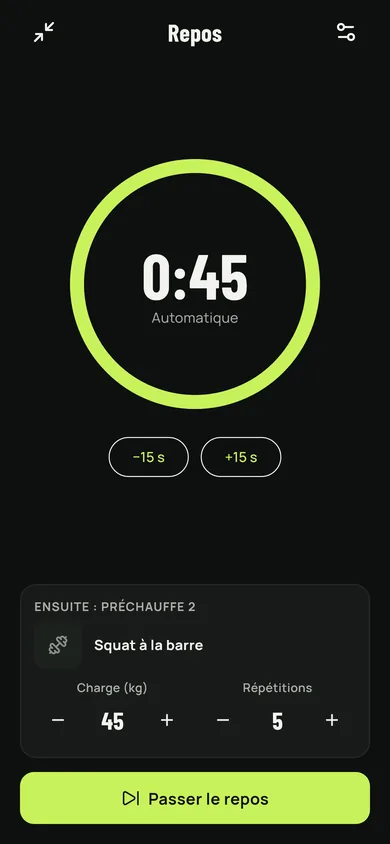
The rest timer, with the next exercise already lined up.
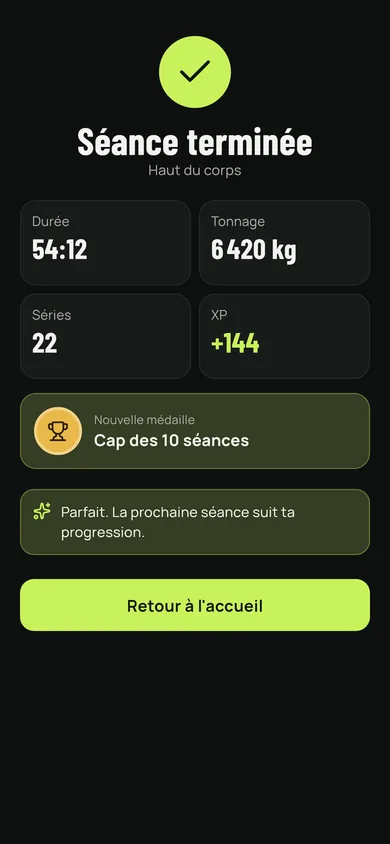
The end of a session: time, volume, sets, experience earned and medal.
Exercises and free sessions
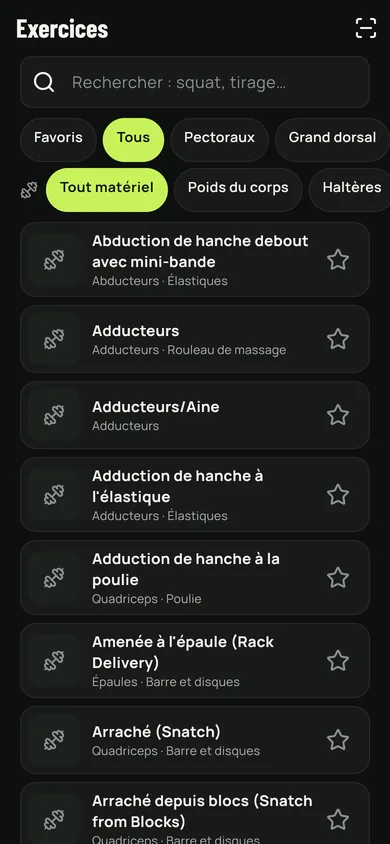
The exercise library, filtered by muscle and by equipment.
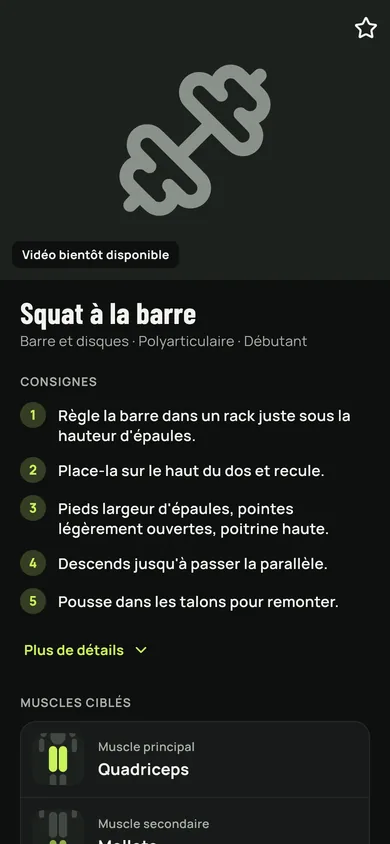
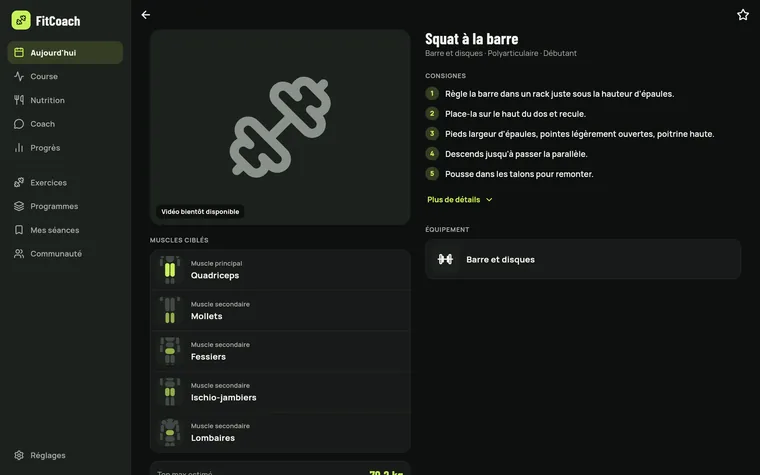
An exercise sheet: numbered instructions and the muscles worked.
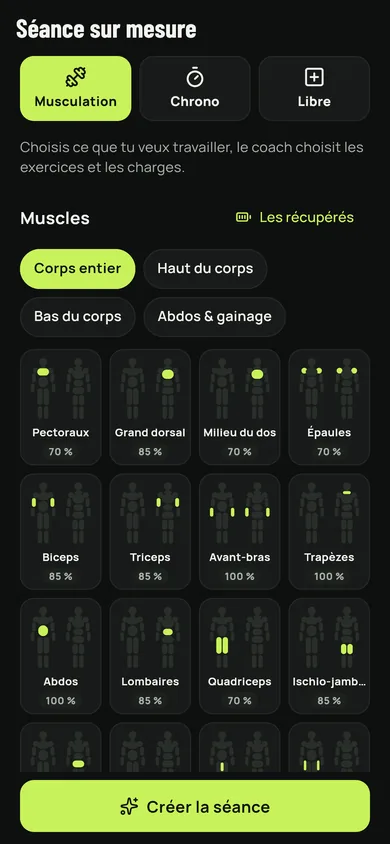
The custom session: the muscles to work and how recovered they are.
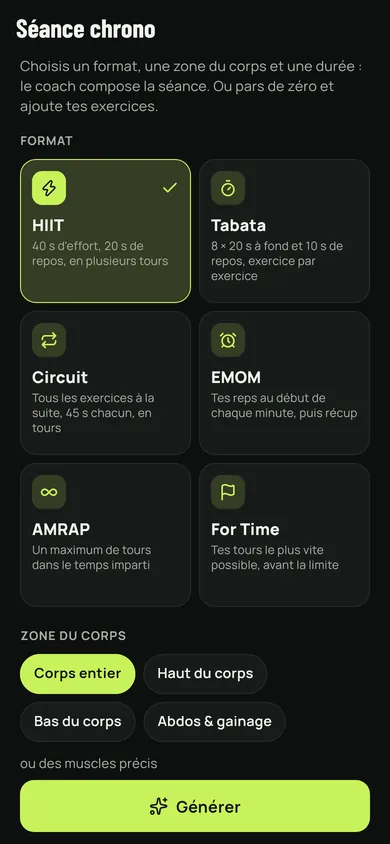
Choosing a timed format: HIIT, Tabata, circuit, EMOM, AMRAP, For Time.
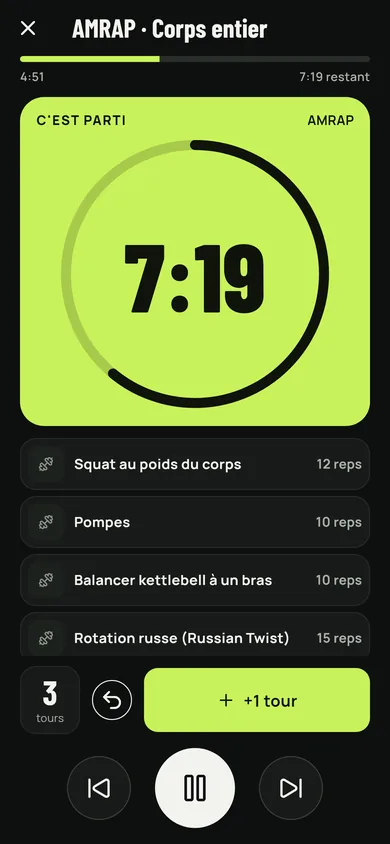
An AMRAP in progress, with the time left and the rounds counted.
Running
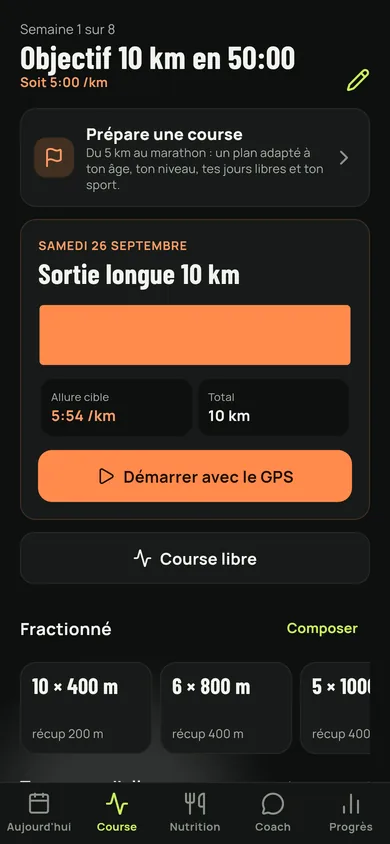
Running: the race being prepared, the day's run and its paces.
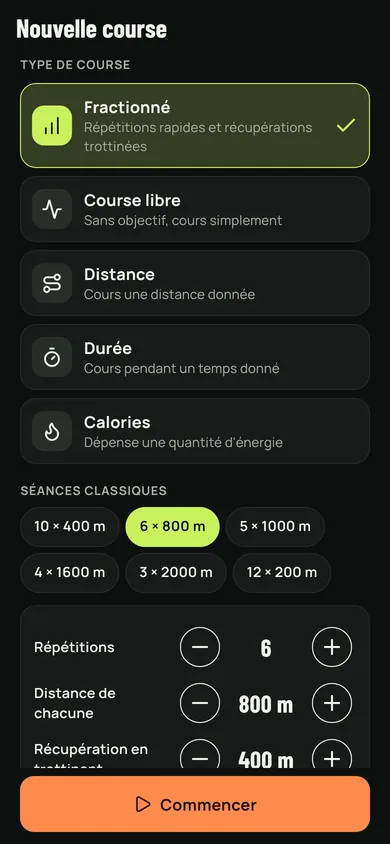
Setting up a run: kind of run, intervals, repetitions and recovery.
Nutrition
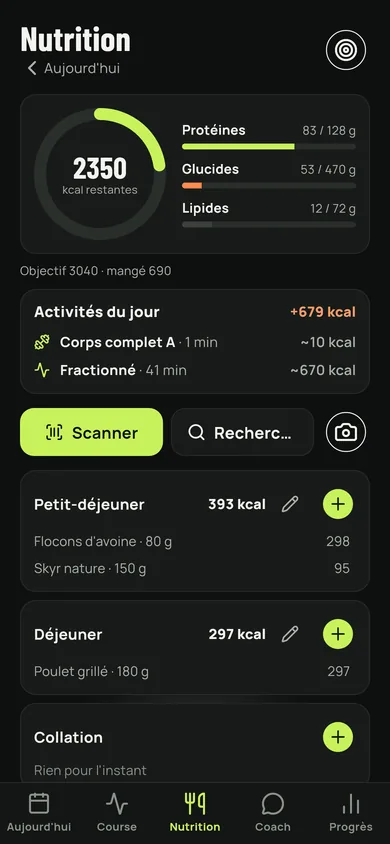
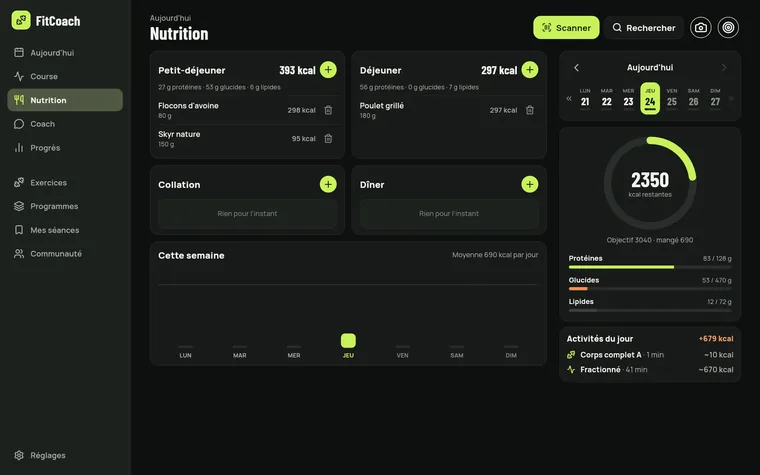
The food day: calories left, macros, meals and activities.
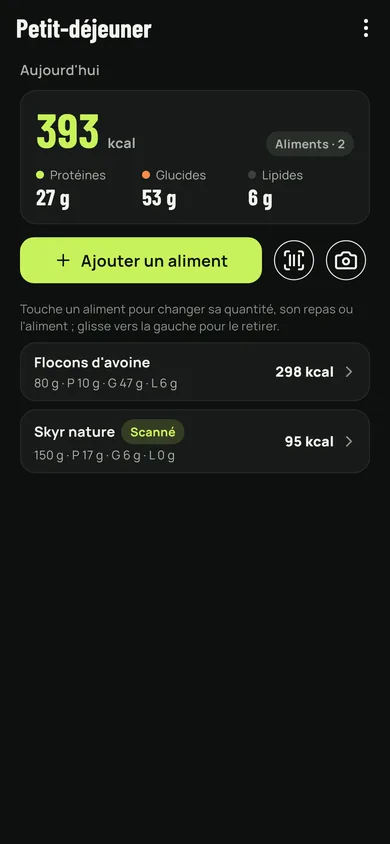
A meal in detail, food by food.
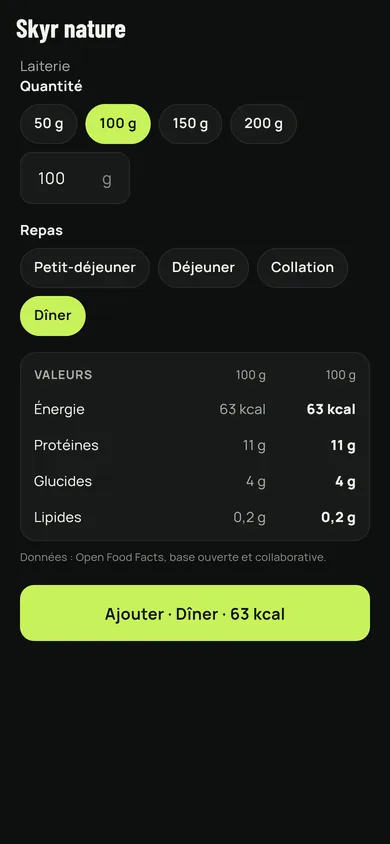
The sheet of a scanned food, with its values and the amount to pick.
Progress
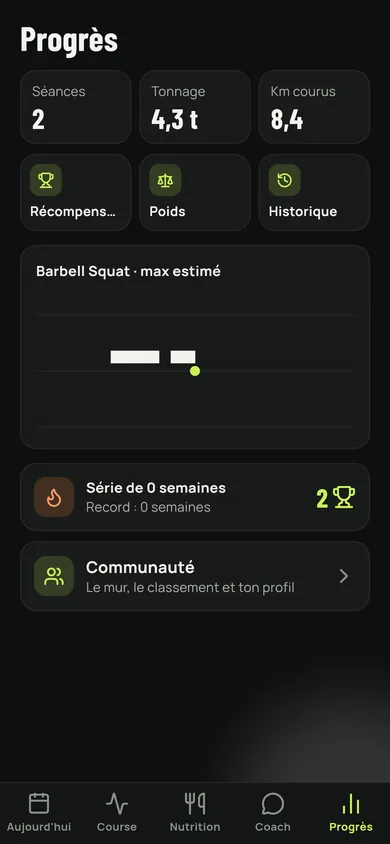
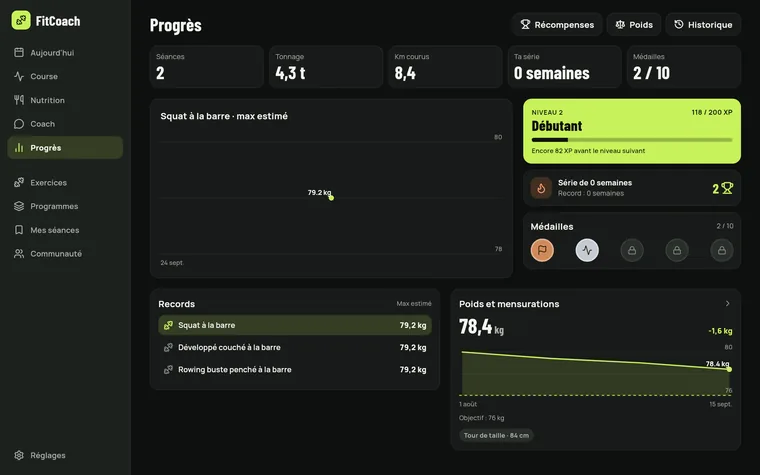
Progress: sessions, volume, kilometres and estimated max.
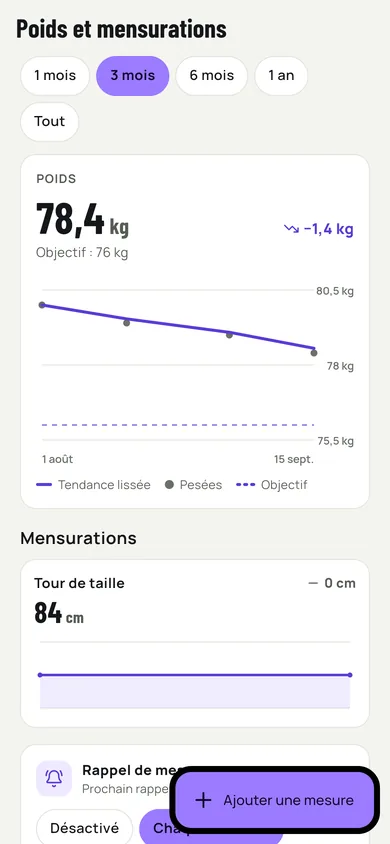
Weight and measurements, with the smoothed trend and the goal.
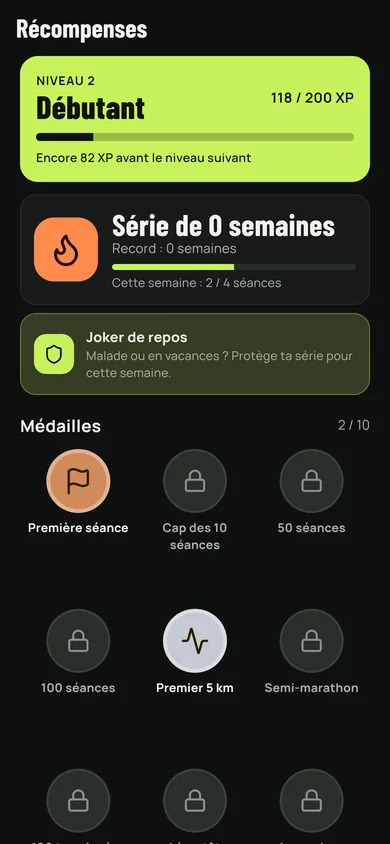
Rewards: level, experience, week streak and medals.
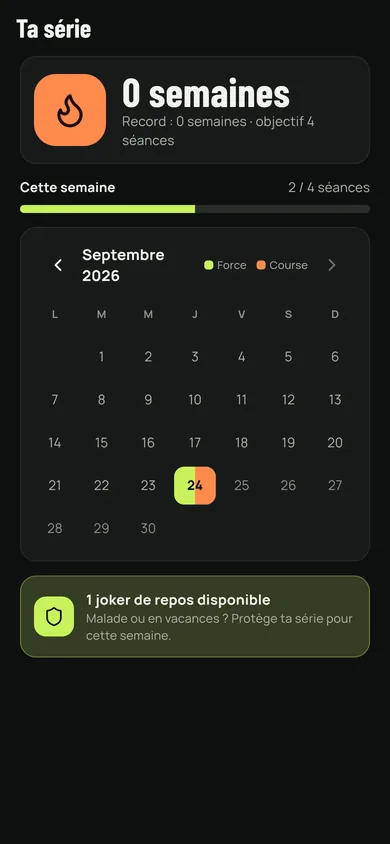
The streak: the weeks held, the record and the rest joker.
Coach and community
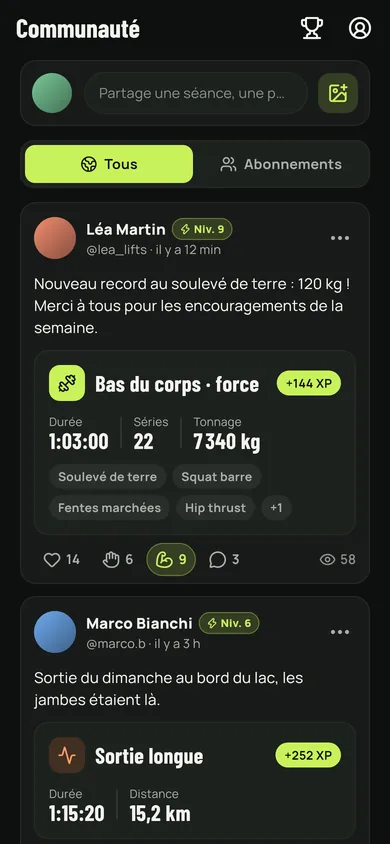
The community wall: shared sessions, cheers and comments.
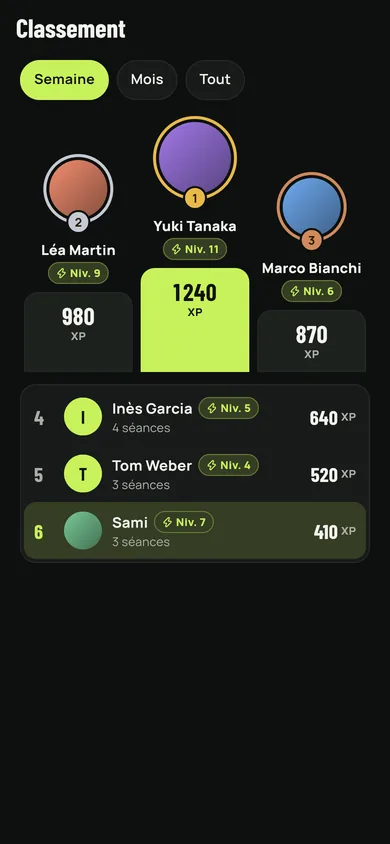
The ranking of members by experience.
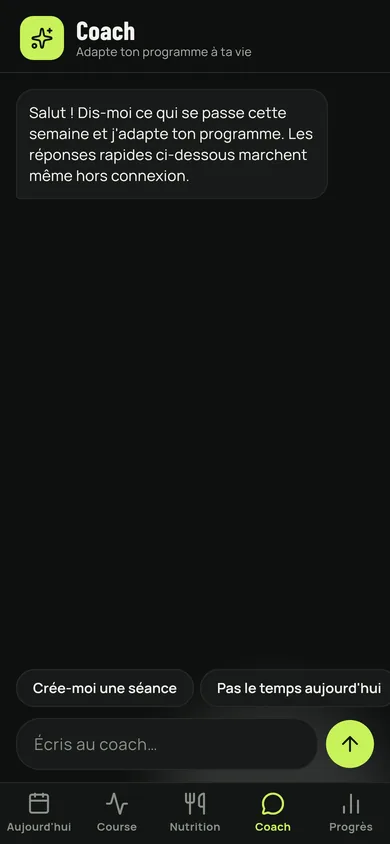
The coach: the conversation and the quick replies that work offline.
On a tablet and on a computer
The same screens, rearranged for a large one: list and detail side by side, dashboards in columns.
The day's screen on a computer: the day on the left, the week and the streak on the right.