
Watches and apps
Bring in your runs, sessions, steps, sleep, weight and resting heart rate: Health Connect on Android, Strava through your account, or GPX, TCX and FIT files exported from your watch. Sleep and resting heart rate refine recovery.
Features
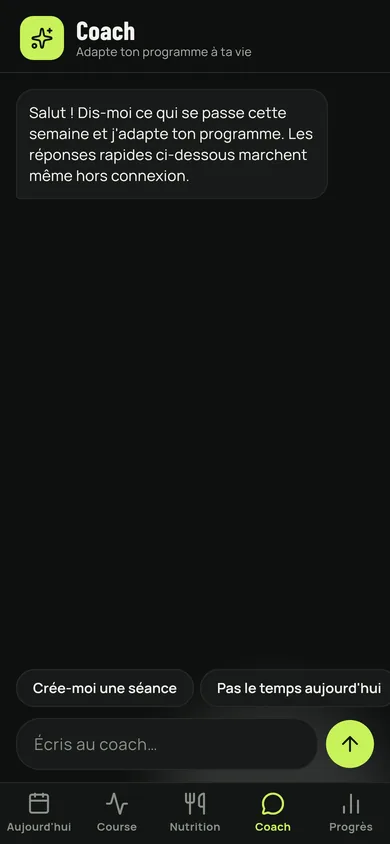
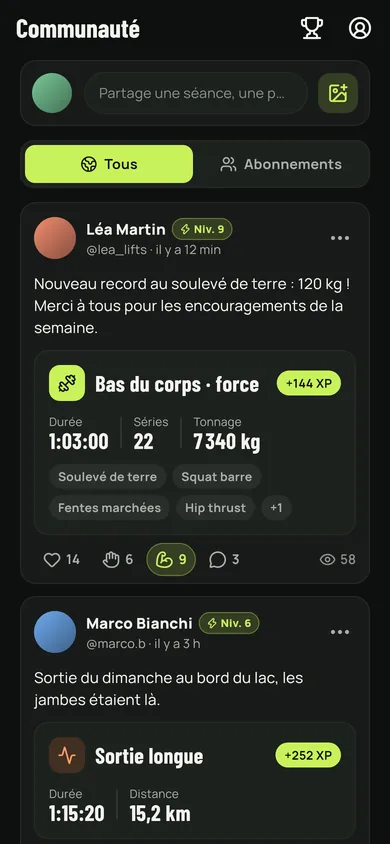
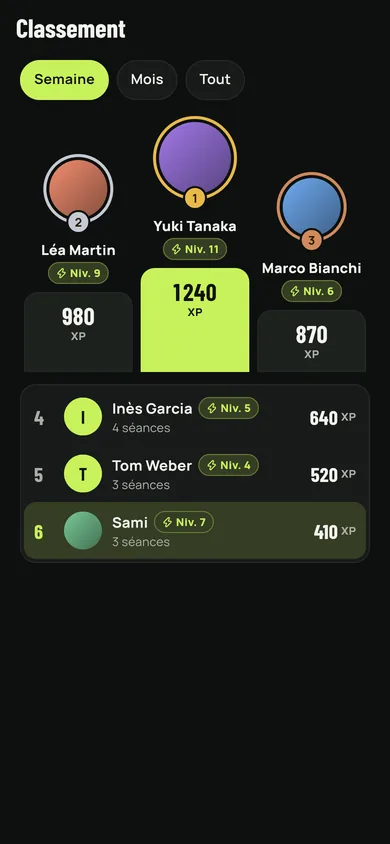
Nothing is announced here that is not in the app: every screen shown below is a capture taken inside the app itself.
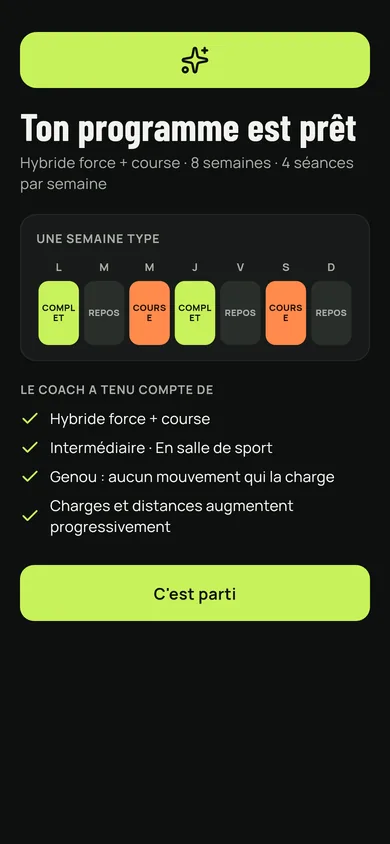
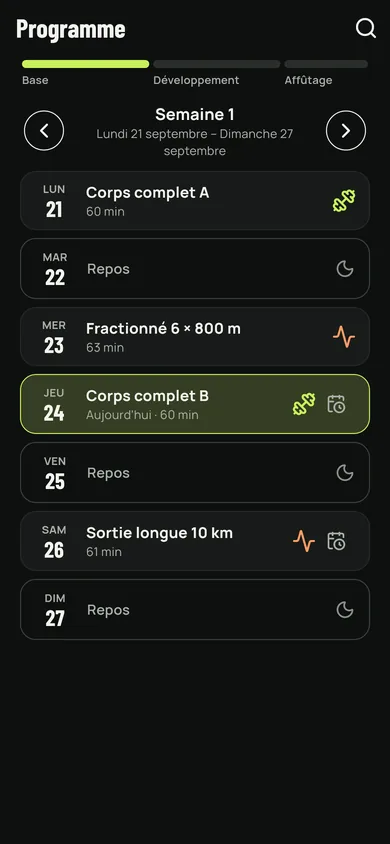
You answer a few questions — goal, sport played, where you train, equipment, level, pain — and the programme is built for you: how many sessions, how long, which exercises, sets and reps. It runs week after week, with its adaptation, volume and deload phases.
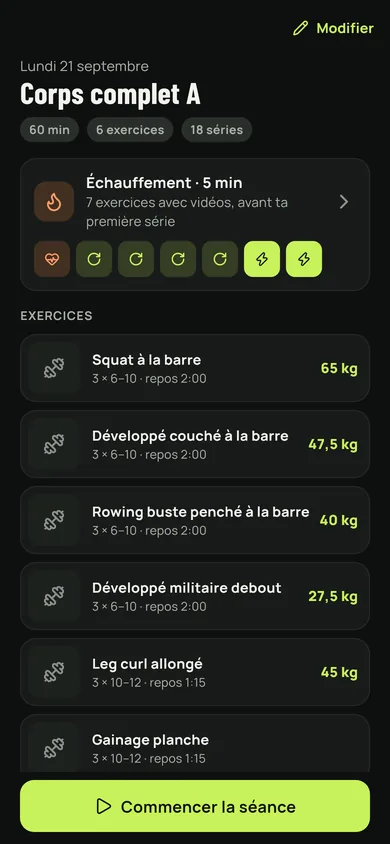
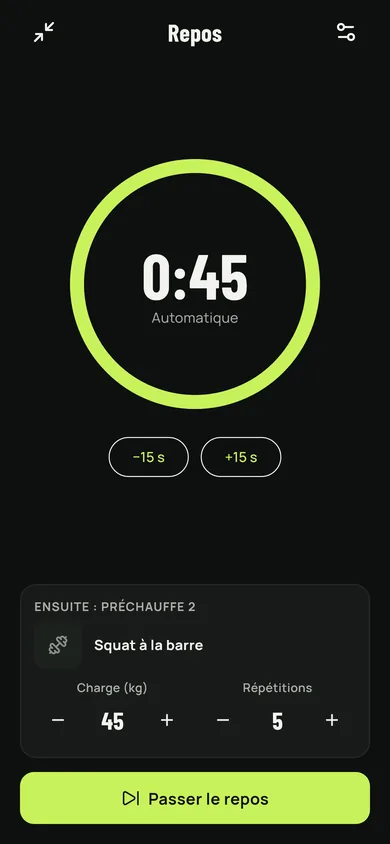
During training the app keeps count: sets validated one by one, load and reps suggested, rest timer, how hard it felt at the end. A warm-up suited to the session comes before the first set, stretches after the last one.
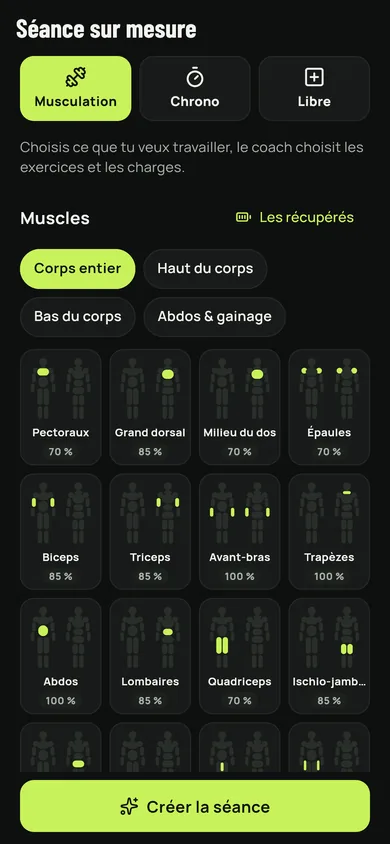
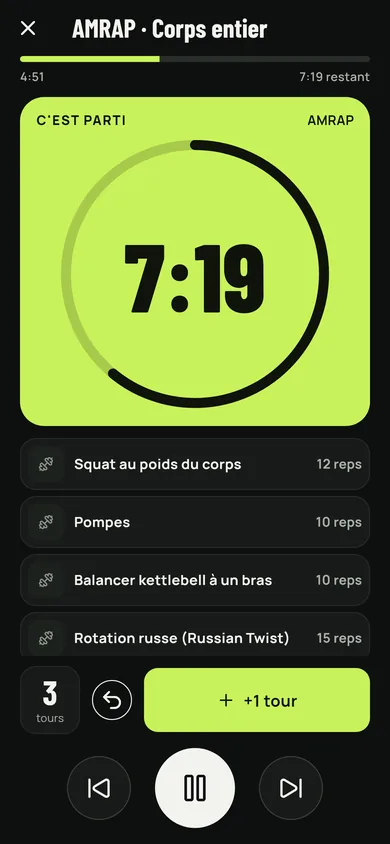
Pick the muscles to work and the length, and the coach composes the session. Or switch to the clock: HIIT, Tabata, circuit, EMOM, AMRAP, For Time and stretching, with the countdown, the beeps and the automatic move to the next exercise.
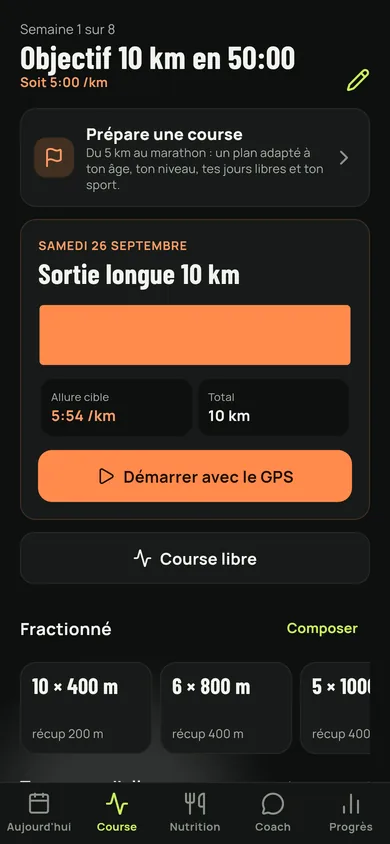
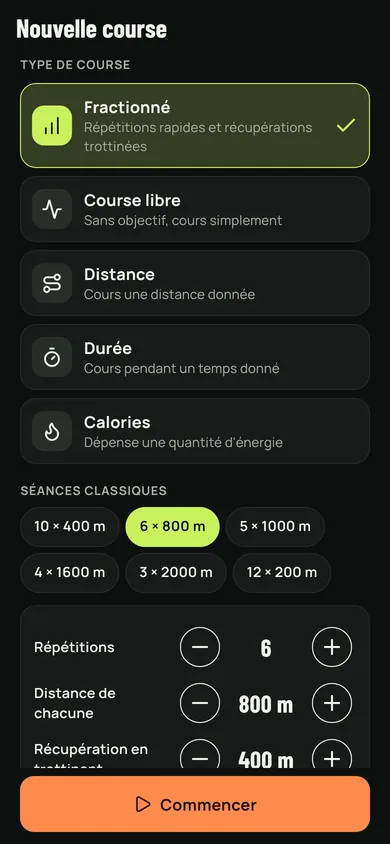
Name a race to prepare — 5K, 10K, half, marathon — and the plan is built on your level and your free days. Long runs, intervals, threshold: every session has its target paces. The run is followed with GPS, with a summary at the finish.
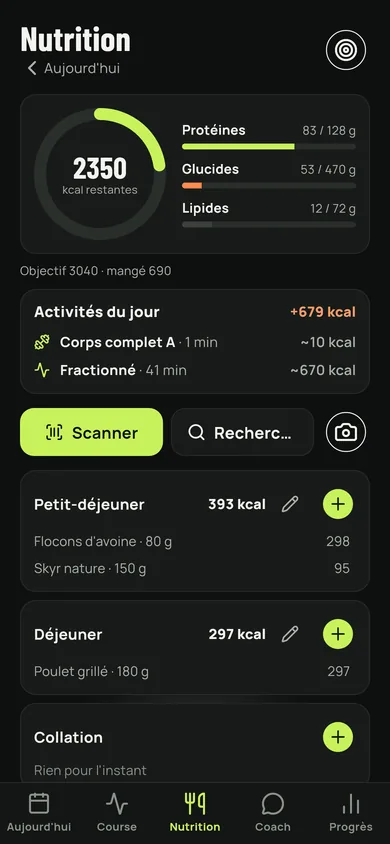
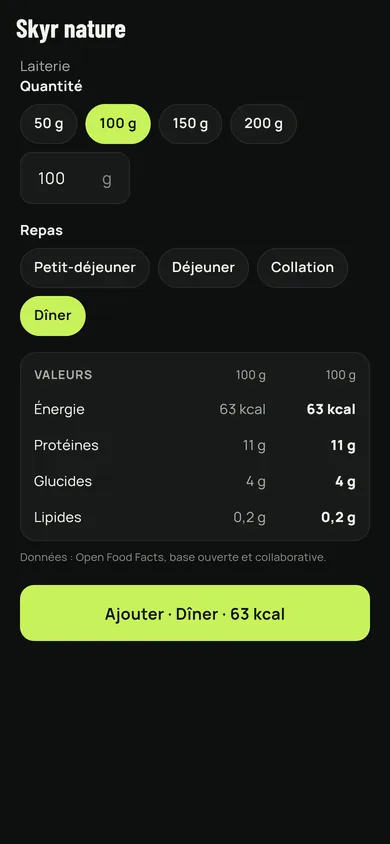
A calorie and macro target worked out from your profile, your target weight and what you burned during the day. The log fills up meal by meal, by hand, with the barcode scanner, or by photographing the plate.
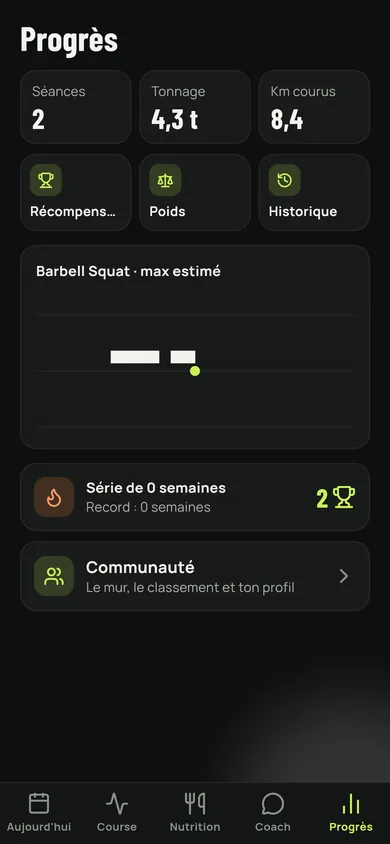
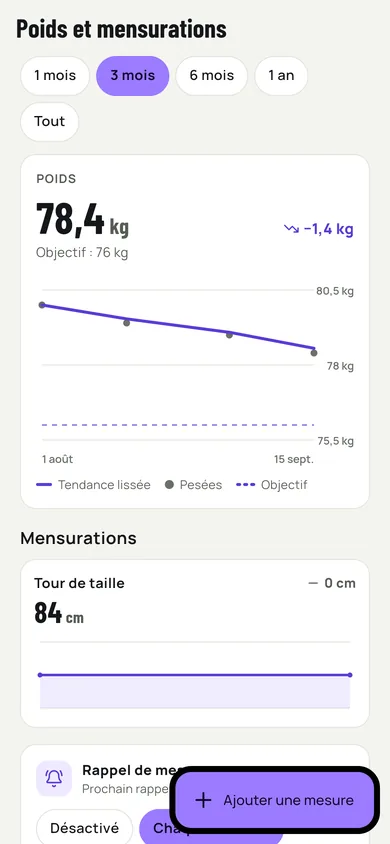
Sessions, volume lifted, kilometres run, estimated max per exercise, weight and measurements: everything reads as a curve. Medals and the week streak are there for the days when motivation is not.
Tell it what is going on this week — little time, no gym, a sore knee — and it rewrites the rest of the programme. The quick replies act right away, even offline; the free conversation needs the server.
A wall where members share their sessions, their photos and their meals, cheers, comments, a ranking by experience and a public profile. All of it goes through your FitCoach account and stays optional.
Bring in your runs, sessions, steps, sleep, weight and resting heart rate: Health Connect on Android, Strava through your account, or GPX, TCX and FIT files exported from your watch. Sleep and resting heart rate refine recovery.
Look for your gym by name, by city or around you, see its classes, its coaches and its equipment, book a place. Your gym's equipment can become your programme's.
With an account, your programme, sessions, meals and measurements are copied to the server when they change, and found again on another device.
Photograph a machine you do not know: the coach says what it is and what to do on it. Photograph your plate: it estimates the foods and the amounts, you correct them.
Reminders for the day's session and for taking your measurements, at the hour that suits you.
Light or dark, eight accent colours, and a typeface readable in the gym as well as outdoors.